
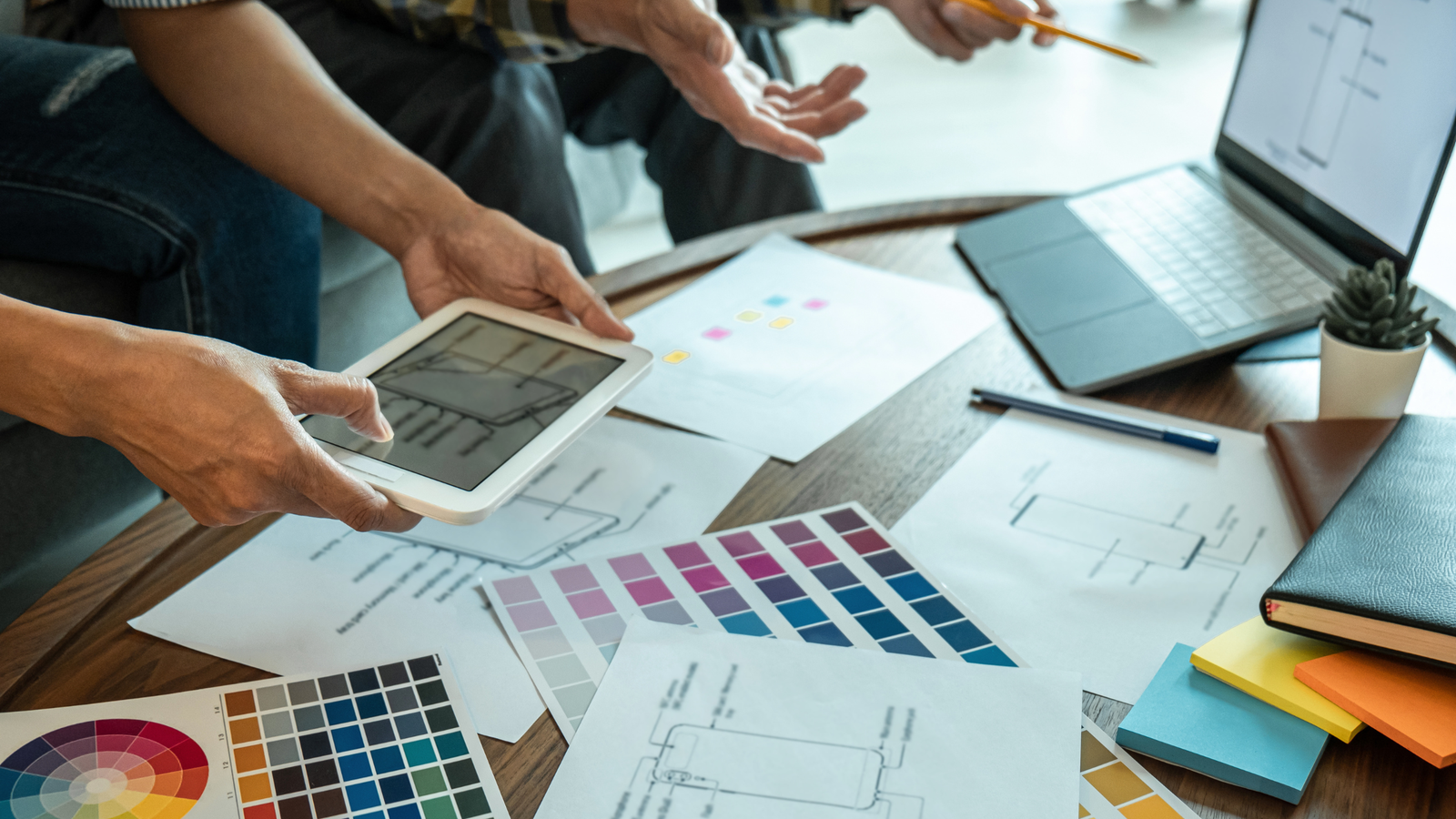
Building your own website is easier than ever. With user-friendly platforms and drag-and-drop builders, anyone can create a professional-looking site. However, strong visuals are what truly make a website stand out.
For DIY website creators, choosing the right graphic design tools and resources can dramatically improve branding, user experience, and overall credibility.
In this guide, we’ll explore the best graphic design tools for DIY website builders and the resources you need to create stunning visuals without hiring a professional designer.
Why Graphic Design Matters for DIY Websites
Your website’s design directly impacts:
- First impressions
- Brand credibility
- User engagement
- Conversion rates
- Bounce rates
High-quality visuals, consistent branding, and clean layouts help build trust and improve performance.
Even if you’re using platforms like Wix or WordPress, your design choices make the difference between a basic site and a professional one.
Best Graphic Design Tools for DIY Website Builders
1. Canva
Canva is one of the most popular tools for non-designers.
Why It’s Great:
- Drag-and-drop editor
- Pre-made templates
- Social media graphics
- Logo creation
- Website banner design
Canva is ideal for beginners who want quick, polished designs.
2. Adobe Express
Adobe Express offers professional-quality templates and editing tools with a simplified interface.
Key Features:
- Custom branding kits
- Video and animation features
- Background removal
- Web-ready exports
It’s a great middle ground between basic and advanced design tools.
3. Figma
Figma is widely used for UI/UX design.
Best For:
- Website layout mockups
- Wireframes
- Prototypes
- Collaborative design
DIY website builders looking to plan their layout before development will benefit from Figma.
4. GIMP
GIMP is a free alternative to advanced image editing software.
Ideal For:
- Image editing
- Photo retouching
- Custom graphics
- Advanced design work
It’s powerful but requires some learning.
5. Adobe Photoshop
Adobe Photoshop remains a professional standard for graphic design.
Best For:
- Advanced image manipulation
- Custom web graphics
- High-quality visual assets
Though more complex, it offers unmatched control.
Logo Design Tools for DIY Builders
Your logo defines your brand identity. These tools make logo creation easier:
- Looka
- Hatchful
- Canva
These tools generate professional logo designs quickly, even for beginners.
Free Image and Graphic Resources
High-quality visuals are essential for website design.
1. Stock Photo Websites
- Unsplash
- Pexels
These platforms provide royalty-free images for commercial use.
2. Icon Libraries
- Font Awesome
- Flaticon
Icons enhance navigation and visual appeal.
3. Illustration Resources
- unDraw
- Storyset
Illustrations help modernize website design.
Tools for Creating Website Graphics
DIY website builders often need:
- Hero banners
- Infographics
- Social media visuals
- Call-to-action graphics
- Background images
Tools like Crello (now VistaCreate) simplify creating these assets quickly.
Typography and Font Resources
Typography plays a crucial role in website design.
Popular font resources include:
- Google Fonts
- DaFont
Choosing readable and consistent fonts enhances user experience.
Color Palette Generators
Consistent color schemes strengthen brand identity.
Useful tools include:
- Coolors
- Adobe Color
These tools help you create harmonious and professional color combinations.
Tips for DIY Website Graphic Design
1. Keep It Simple
Avoid cluttered designs and excessive elements.
2. Maintain Brand Consistency
Use consistent colors, fonts, and styles.
3. Optimize Images
Compress images to improve website loading speed.
4. Use High-Quality Visuals
Blurry or pixelated images damage credibility.
5. Focus on User Experience
Design visuals that guide users naturally.
Common Design Mistakes to Avoid
- Overusing fonts
- Ignoring mobile responsiveness
- Poor contrast between text and background
- Using low-resolution images
- Inconsistent branding
Avoiding these mistakes ensures a professional result.
When to Consider Hiring a Professional Designer
DIY tools are powerful, but professional help may be necessary if:
- You need complex branding
- You require advanced UI/UX strategy
- Your business is scaling rapidly
- You want highly customized visuals
Combining DIY tools with occasional professional guidance can be an effective strategy.
Final Thoughts
Graphic design plays a vital role in the success of DIY website projects. With the right graphic design tools and resources, you can create visually appealing, professional websites without hiring a full-time designer.
From platforms like Canva and Figma to free image libraries and color generators, today’s tools empower entrepreneurs, freelancers, and small business owners to design confidently.
By leveraging these resources strategically, DIY website builders can create impactful, engaging, and conversion-focused websites that stand out in competitive digital markets.

Latest Blogs



Categories
Want To Explore More? Check Out Our
Related Blogs

 Hyphen Softech
March 9, 2026
Hyphen Softech
March 9, 2026
Content Marketing for Lead Generation: Strategies for Nurturing Prospects in 2026
In today’s competitive digital landscape, simply generating traffic isn’t enough. Businesses need strategies to attract,…
 Hyphen Softech
March 9, 2026
Hyphen Softech
March 9, 2026
The Future of Affiliate Marketing: Trends and Predictions for Success
Affiliate marketing has consistently been a cornerstone of digital marketing strategies, helping businesses grow revenue…
 Hyphen Softech
March 9, 2026
Hyphen Softech
March 9, 2026
Google Ads Remarketing: Reaching Your Audience Wherever They Go”
In today’s competitive digital environment, capturing a potential customer’s attention just once isn’t enough. Users…